PHOTO · MOTION · VIDEO
Make your photo dance with AI
Saw a dance on Instagram or TikTok and want to try it with your own photo? MiniMoo turns suitable pictures into AI dance videos using motion templates or a reference clip you provide.
Generation uses coins. Review the cost before creating. Results and generation time vary.
Try the Kabile Tarif Tu dance
Looking for the Dilruba Dilnasheen dance? Preview the studio dance reference and check which photo to upload.
Preview a dance before creating
Open a template preview to see the movement and check its input guidance.
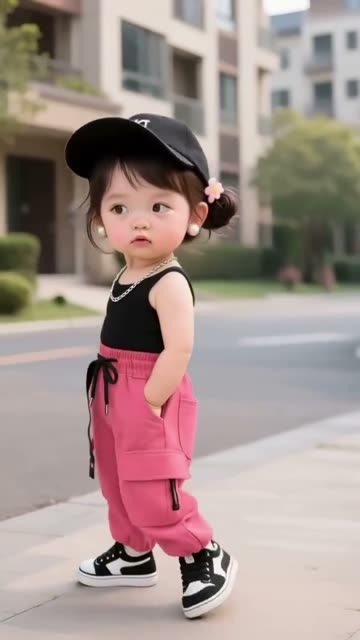
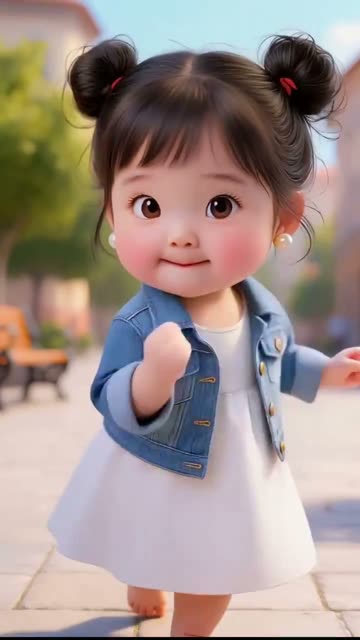
Turn a still picture into a dance video
Choose a motion you like, then add a clear photo that matches the template’s framing guidance. You can animate a portrait without filming yourself performing the dance. Parents and guardians can also create baby dance videos.
Recreate movement from a reference video
If you already have a clip you are allowed to use, choose the custom motion option in the Studio. The reference guides the movement; it is not a guarantee of an exact copy. Facial likeness, motion and background details can vary.
How to create your video
- Preview a dance template, or choose your own reference clip in the Studio.
- Add the requested photo and follow its pose and framing guidance.
- Review the available quality settings and coin cost before generating.
- Find the completed video in your gallery, then save or share it.
Questions before you create
What app makes pictures dance?
MiniMoo lets you make a photo dance using AI motion templates or your own reference video. Choose a supported template, upload a suitable image and review the settings and cost before creating.
How do I recreate an AI dance video I saw on social media?
Look for a matching movement in the template library. If you have permission to use a reference clip, you can also upload it through the Studio’s custom motion option. Not every effect or scene can be reproduced by motion transfer.
Can I make an AI baby dance video?
Yes. Parents and authorized guardians can use suitable baby photos with supported dance templates. Follow the photo guidance for the selected motion.
Is AI dance video generation free?
Video generation uses MiniMoo coins. Review the coin cost before confirming; coin packs and any available rewards are shown in the app. Generation time and results vary.
Create with MiniMoo on iOS or Android
Browse templates, review their requirements and keep your completed videos in your gallery.